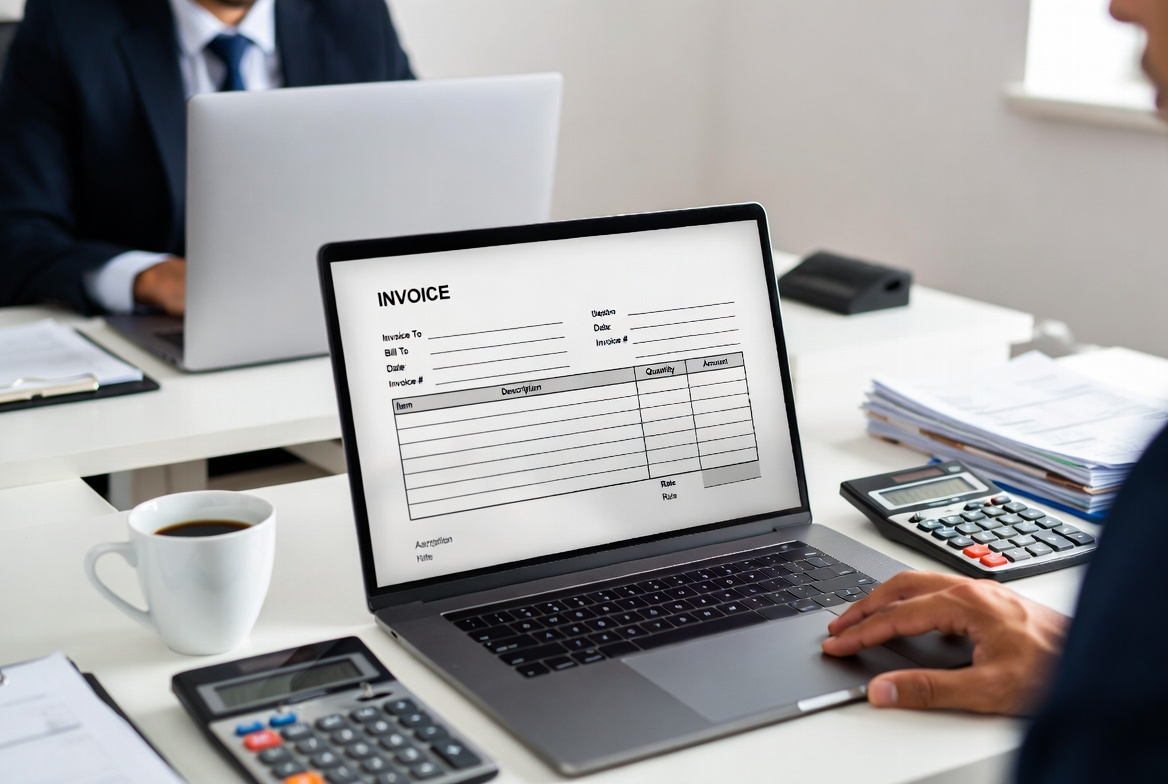
Whether you are a freelancer sending your first bill or a small business owner looking to streamline your billing process, knowing how to create a professional invoice is one of the most important business skills you can have. A well-structured invoice not only ensures you get paid on time — it also reflects your professionalism and builds client trust.
In this guide, we will walk you through exactly what goes on an invoice, how to format it correctly, and how to generate one instantly — for free — using iLove Invoice.
What Is an Invoice and Why Does It Matter?
An invoice is a formal document sent by a seller to a buyer, requesting payment for goods or services provided. Unlike a receipt (which confirms payment already made), an invoice is a payment request — it tells your client what they owe, when it is due, and how to pay you.
A professional invoice does three things:
- Establishes a legal record of the transaction
- Sets clear payment expectations
- Helps you track income and cash flow
Skipping or poorly formatting invoices leads to delayed payments, disputes, and bookkeeping headaches.
What to Include on an Invoice
Every professional invoice should contain these essential elements:
1. Your Business Information
Include your full name or business name, address, email, and phone number. If you are a registered business, add your business registration or tax ID number.
2. Client Information
Add the client's name, business name, and billing address. This ensures the invoice reaches the right person and is recorded correctly on their end.
3. Invoice Number
Every invoice needs a unique invoice number for tracking. Use a sequential system (e.g., INV-001, INV-002) to stay organized and make referencing easy in the future.
4. Invoice Date and Due Date
The invoice date is when the invoice is issued. The due date tells the client when payment is expected. Common payment terms include Net 15, Net 30, or due upon receipt.
5. Itemized List of Services or Products
Break down exactly what you are charging for. For each line item, include:
- Description of service or product
- Quantity or hours
- Rate per unit
- Line total
6. Subtotal, Tax, Discounts, and Total
Calculate the subtotal first, then apply any applicable taxes or discounts. The final total is the amount the client owes.
7. Payment Terms and Methods
Specify how you accept payment — bank transfer, PayPal, check, credit card, etc. Include your bank details or payment link directly on the invoice to make it easy for clients to pay.
8. Notes or Special Instructions
Use this section for thank-you notes, late payment policies, or any special project-related information.
How to Create an Invoice: Step-by-Step
Here is the fastest way to create a professional invoice without any design skills:
- Go to iLove Invoice — a free, no-signup invoice generator.
- Fill in your name/business name and client details.
- Add your services or products with quantities and rates. Totals calculate automatically.
- Set your invoice date, due date, and payment terms.
- Add your logo (optional) to make it look even more professional.
- Click Download PDF — your invoice is ready to send instantly.
No account needed. No monthly subscription. Just a clean, professional PDF invoice in under 2 minutes.
If you are a freelancer, you may also like our customizable Freelance Invoice Template Guide to help you get paid faster.
Invoice Formatting Tips for a Professional Look
- Use a consistent invoice number format across all invoices
- Always include your logo if you have one — it builds brand recognition
- Keep payment terms visible and easy to find
- Send invoices promptly after work is completed — do not wait weeks
- Follow up politely if payment is overdue (a simple reminder email usually works)
Common Invoice Mistakes to Avoid
Even experienced freelancers make these mistakes — knowing them in advance saves you from payment delays:
- Not including a due date — clients will pay “whenever” if there is no deadline
- Vague service descriptions — always be specific about what you delivered
- Forgetting to add tax — check your local requirements and include applicable taxes
- Not keeping copies — save every invoice for accounting and dispute resolution
- Using inconsistent formats — stick to a professional template for consistency
You can also explore accounting resources from QuickBooks and invoicing best practices from FreshBooks for additional business tips.
Create Your Professional Invoice Now — Free
Ready to send your first invoice? iLove Invoice lets you create a professional, PDF-ready invoice in under two minutes — completely free, with no account required. Simply fill in your details, download your PDF, and get paid.