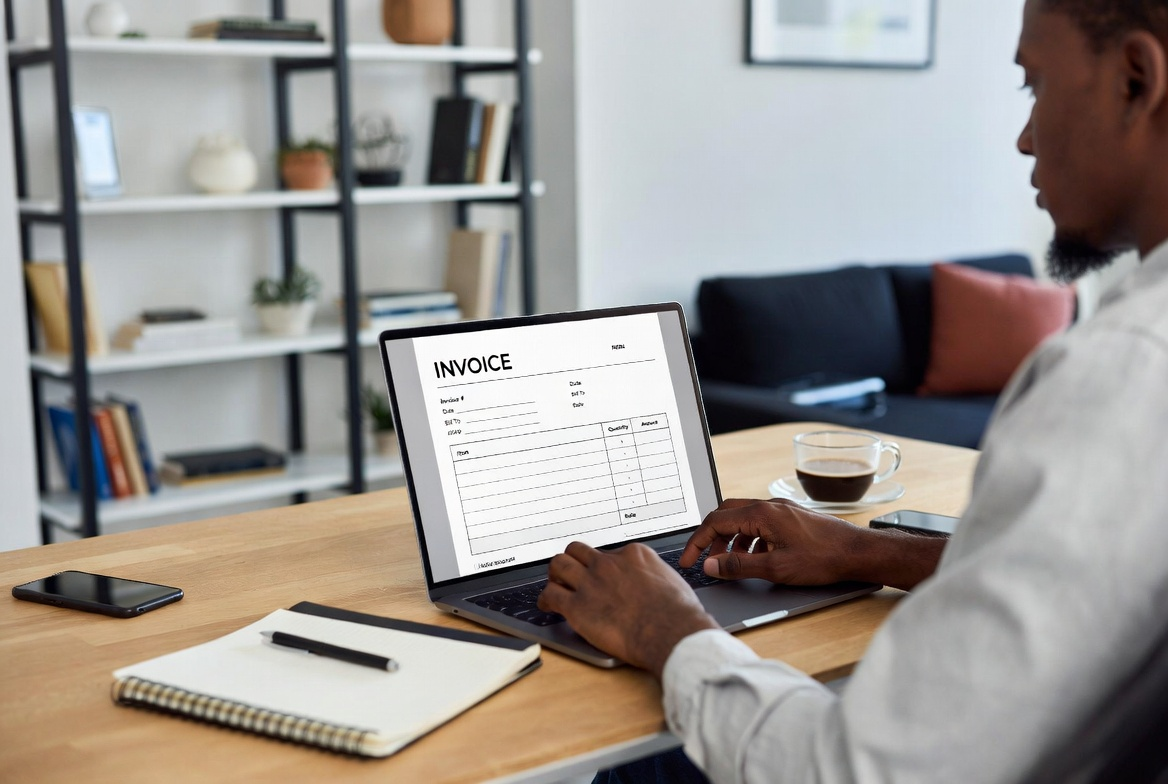
Freelancing gives you freedom — but getting paid is the part nobody warns you about. Unclear invoices, missing payment terms, and unprofessional formatting are the top reasons freelancers experience delayed or disputed payments.
In this guide, you'll learn exactly what a professional freelance invoice looks like, what to include, and how to use a free freelance invoice template to get paid faster — without chasing clients.
With iLove Invoice, you can create professional freelance invoices in minutes for free.
Why Freelancers Need a Dedicated Invoice Template
Many freelancers start out sending informal payment requests via email or copying numbers into a Word doc. This works — until it doesn't. As your client base grows, inconsistent invoicing creates confusion, missed payments, and accounting nightmares.
A dedicated freelance invoice template:
- Looks professional and builds client confidence
- Reduces payment delays with clear terms and due dates
- Makes tax time easier with organized records
- Saves time — fill in a template in 2 minutes vs. starting from scratch
Using the same template consistently also signals that you run a legitimate, organized business — which clients respect.
What Every Freelance Invoice Should Include
A strong freelance invoice template covers all the information a client needs to process your payment without back-and-forth:
Your Contact Details
Name, business name (if applicable), email, phone, and location. Add your website or portfolio link if relevant.
Client Contact Details
Client's name, company name, and billing address. Match these exactly to what's in your contract or scope of work.
Invoice Number & Dates
Use a sequential invoice number (INV-001, INV-002) for easy tracking. Include both the invoice date and the payment due date.
Service Breakdown
List every service or deliverable separately. For hourly work, include:
- Hours worked
- Hourly rate
- Project or task description
For fixed-price projects, describe the deliverable clearly (e.g., "Website redesign — 5 pages, mobile responsive").
Subtotal, Tax & Total
Show each calculation step. If you charge tax (sales tax, VAT, GST), list it as a separate line item with the percentage.
Payment Terms
Specify: Net 15, Net 30, or Due on Receipt. State your late fee policy if you have one (e.g., 1.5% per month on overdue balances). This protects you legally.
Payment Methods
The easier you make it for clients to pay, the faster you get paid. List your accepted methods: bank transfer (with account details), PayPal, Venmo, Stripe link, Zelle, or check.
Notes Section
Use this for a short thank-you message, project notes, or a reminder of your late payment policy.
Freelance Invoice Template: Common Formats by Profession
Different types of freelancers have slightly different invoicing needs:
Graphic Designers & Creatives
Itemize by project phase (concepts, revisions, final files). List software or licensing fees as separate line items if applicable.
Freelance Writers & Editors
Bill by word count, article count, or hourly rate. Include the publication or project name in the description for easy reference.
Web Developers
Break down by milestones or by task type (design, development, testing, deployment). Fixed-price projects should match your contract deliverables exactly.
Consultants
Bill by session, retainer, or project phase. Include a brief description of what was delivered in each consulting period.
How to Send a Freelance Invoice Professionally
- Always send invoices as PDFs — they can't be accidentally edited
- Send via email with a short, professional message referencing the project
- Follow up 2–3 days before the due date with a gentle reminder
- If payment is overdue, follow up politely but firmly — most late payments are just oversights
- Keep copies of all invoices for your tax records
You can also learn invoicing and freelancing best practices from FreshBooks and QuickBooks.
Use iLove Invoice's Free Freelance Invoice Template
iLove Invoice offers a free, professional freelance invoice template that works for any type of freelance business. Fill in your details, add your services, apply tax if needed — and download a PDF in seconds. No account, no subscription, no design skills required.
Whether you're a designer, developer, writer, consultant, or photographer — iLove Invoice has a template that fits your work. Create your first professional freelance invoice today.